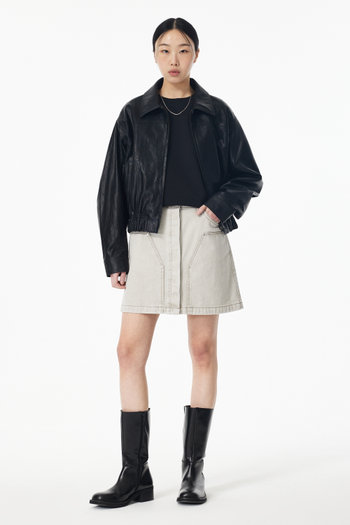
EventUnit
이벤트 유닛 컴포넌트입니다. 이미지/동영상과 함께 이벤트 정보를 표시합니다.
Astro
---import EventUnit from "@shared/module/event-unit/EventUnit.astro";---
<EventUnit  link="#"  media={{ src: "/dummy/images/s3/goods/org/764/250218059189764.jpg?RS=350&SP=1" }}  title="봄맞이 신상품 특별전"  description="새로운 시즌을 맞이하여 준비한 특별한 혜택을 만나보세요."tags={[  { text: "D-3", bgcolor: "#ff0000", txtcolor: "#ffffff" },  { text: "NEW", bgcolor: "#000000", txtcolor: "#ffffff" },  { text: "longlonglonglonglonglonglonglongloooooooongtext", bgcolor: "#000000", txtcolor: "#ffffff" }]}/>
Props:
link: string: 이벤트 링크 URL (필수)media: ComponentProps<typeof MediaEmbed>: 미디어 정보 (필수)brand?: MaybeTextContent: 브랜드명 (없으면 “EVENT” 태그 표시)title?: MaybeTextContent: 이벤트 타이틀description?: MaybeTextContent: 이벤트 설명dim?: boolean: 이미지 딤 처리 (default:true)tags?: { text: string; bgcolor?: string; txtcolor?: string }[]: 태그 배열pc?: boolean: PC 버전 여부 (default:false)
Slots
top-left: 이미지 좌측 상단 영역top-right: 이미지 우측 상단 영역bottom-left: 이미지 좌측 하단 영역bottom-right: 이미지 우측 하단 영역
Code
<div class="v-event-unit"> <div class="v-event-unit__media-grid"> <a href="/event/123" class="v-event-unit__link"> <div class="v-media-embed v-media-embed--dim v-event-unit__media"> <img class="v-media-embed__element v-media-embed__image" src="/path/to/image.jpg" alt="" /> </div> </a> <div class="v-event-unit__bottom-left"> <div class="v-event-unit__tags"> <span class="v-event-unit__tag" style="background-color: #ff0000; color: #ffffff;">D-3</span> <span class="v-event-unit__tag" style="background-color: #000; color: #ffffff;">NEW</span> <span class="v-event-unit__tag" style="background-color: #000; color: #ffffff;">longlonglonglonglongloooooooongtext</span> </div> </div> </div> <a href="/event/123" class="v-event-unit__link"> <div class="v-event-unit__content"> <span class="v-event-unit__tag-event">EVENT</span> <div class="v-event-unit__title">이벤트 타이틀</div> <div class="v-event-unit__description v-line-clamp-2">이벤트 설명 텍스트</div> </div> </a></div>